Use basics for Course creation
Turn your documents into lessons, guides and quizzes
Bring the SOPs, decks and recordings you already have. basics drafts the training, and your team reviews every step before it goes live.
Book a demoStart with your knowledge base
basics writes every lesson from your own documents and recordings, and shows where each step came from.
Everything in one place
PDFs, slide decks, screen recordings, SharePoint and Notion pages, organized into one knowledge base your training is built from.
Grounded in your sources
Each step links to the passages it was written from, so your experts can check it against the original.
See where it's used
Every page shows the trainings built from it, so you know what to review when a policy changes.
Knowledge baseFinanceExpense policy
- Onboarding
- FinanceExpense policyTravel policyConcur walkthrough
- IT and security
- Sales
Expense policy
How to claim back what you spend on company business, and what Finance needs to approve it.
Receipts
- Attach a receipt to every line over $25.
- Hotels need the itemized folio, not the card slip.
- Lost one? File a missing-receipt form instead.
Approvals
- Your manager approves anything up to $1,000.
- Over that, Finance approves it too.
- Client costs need a project code on the line.
Outline first, then edit with comments
basics proposes an outline and builds nothing until you approve it. After that, change anything with a comment.
Start from an outline
See the steps basics plans to teach, reorder or cut them, and approve before a single lesson is written.
Edit in plain English
Comment on a step to ask for a shorter step, a new example or a missing detail.
Only what you asked
basics rewrites just that part and leaves the rest of the course as your team approved it.


Turn your procedures into guided experiences
The procedures you already wrote become steps an AI expert walks people through. Drag to compare.

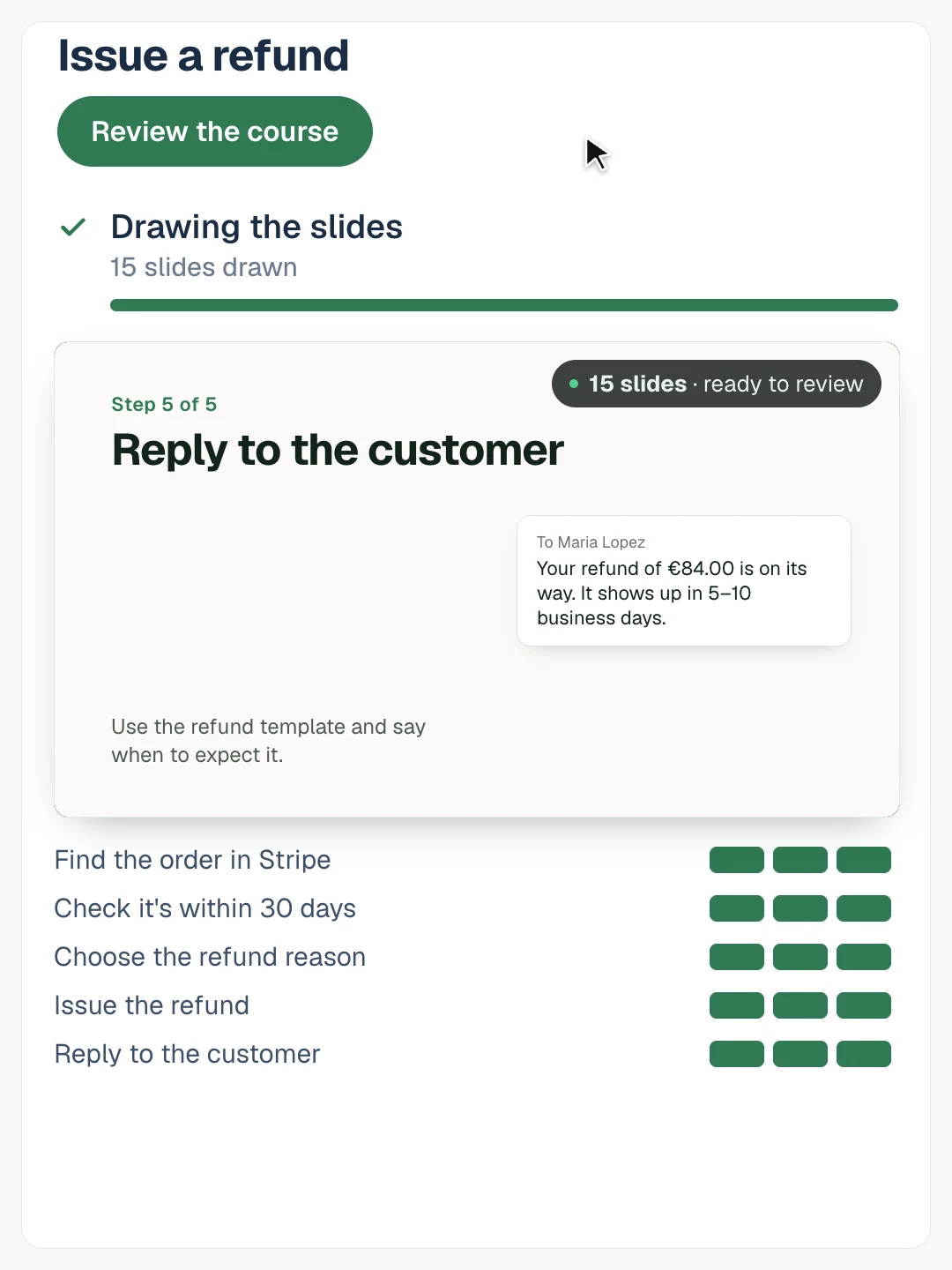
 After · a guided experience
Use it with or without a call
Create lessons, guides and quizzes from the same materials, or export them to your LMS.
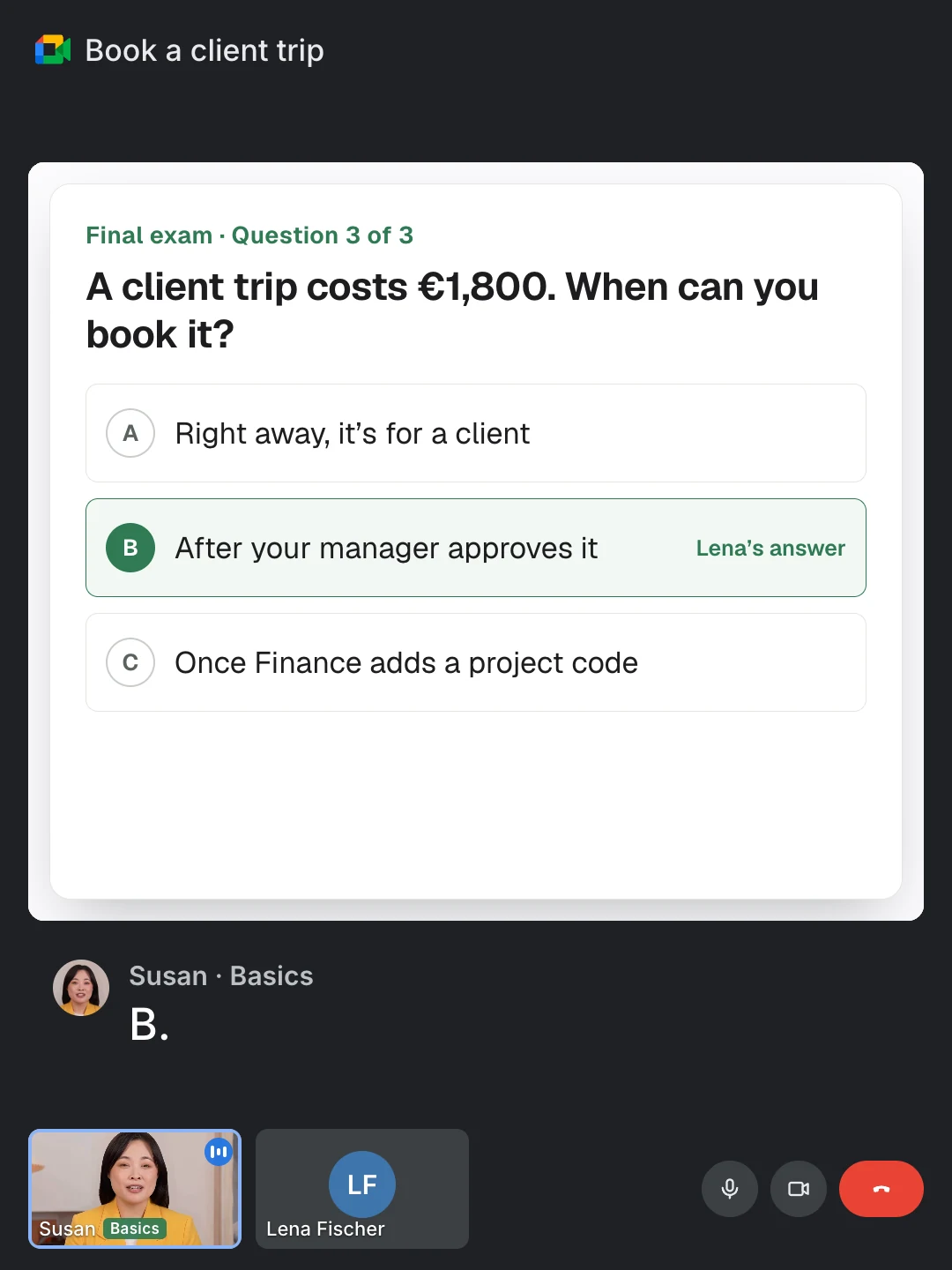
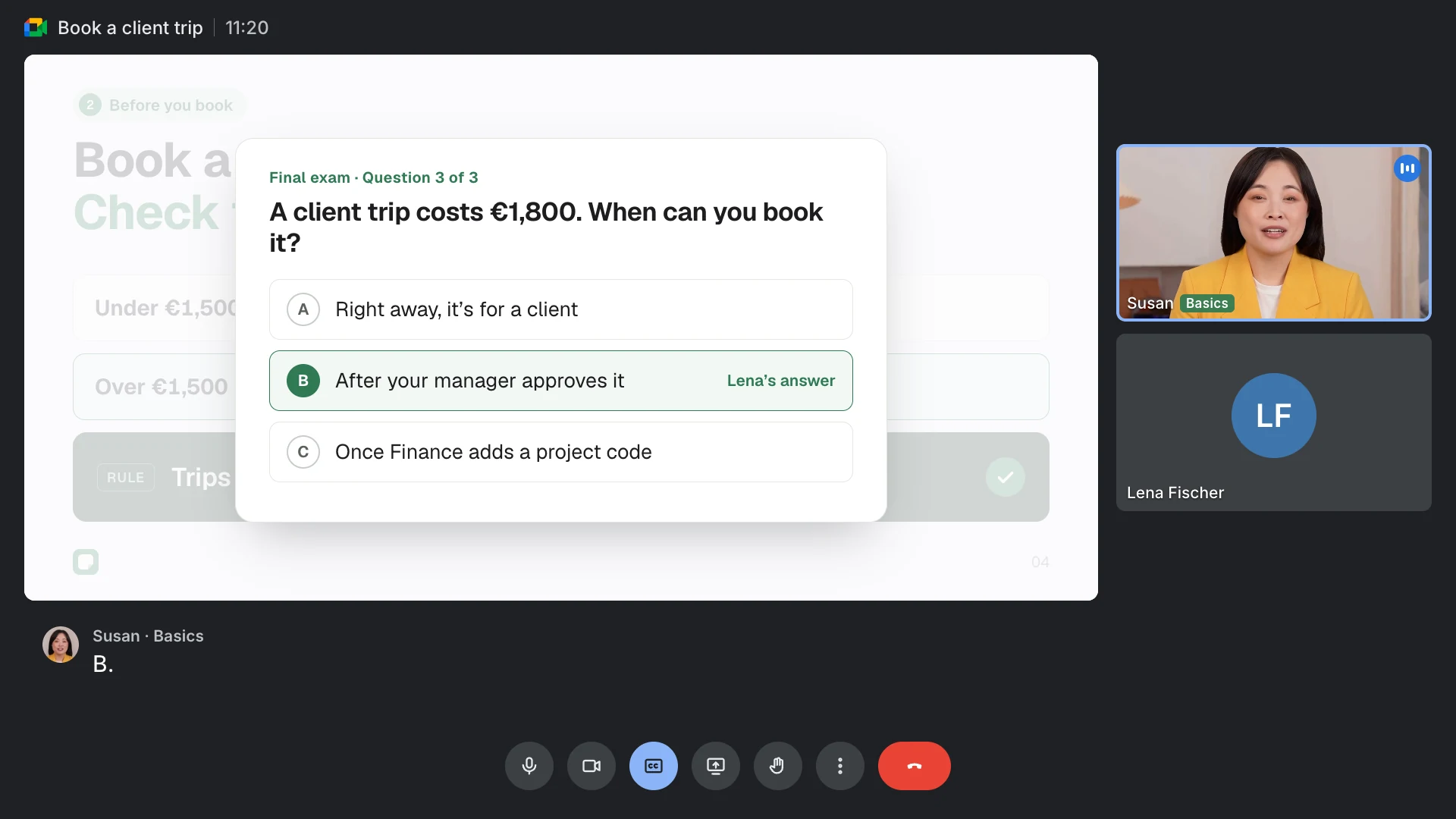
Ready before anyone sees it
Preview it as a learner, and publish only when your experts sign off.
